CCTV Systems
Commercial CCTV Installation Guide for UK Businesses
A practical UK commercial CCTV installation guide covering surveys, camera placement, recording, privacy, remote access and installer questions.
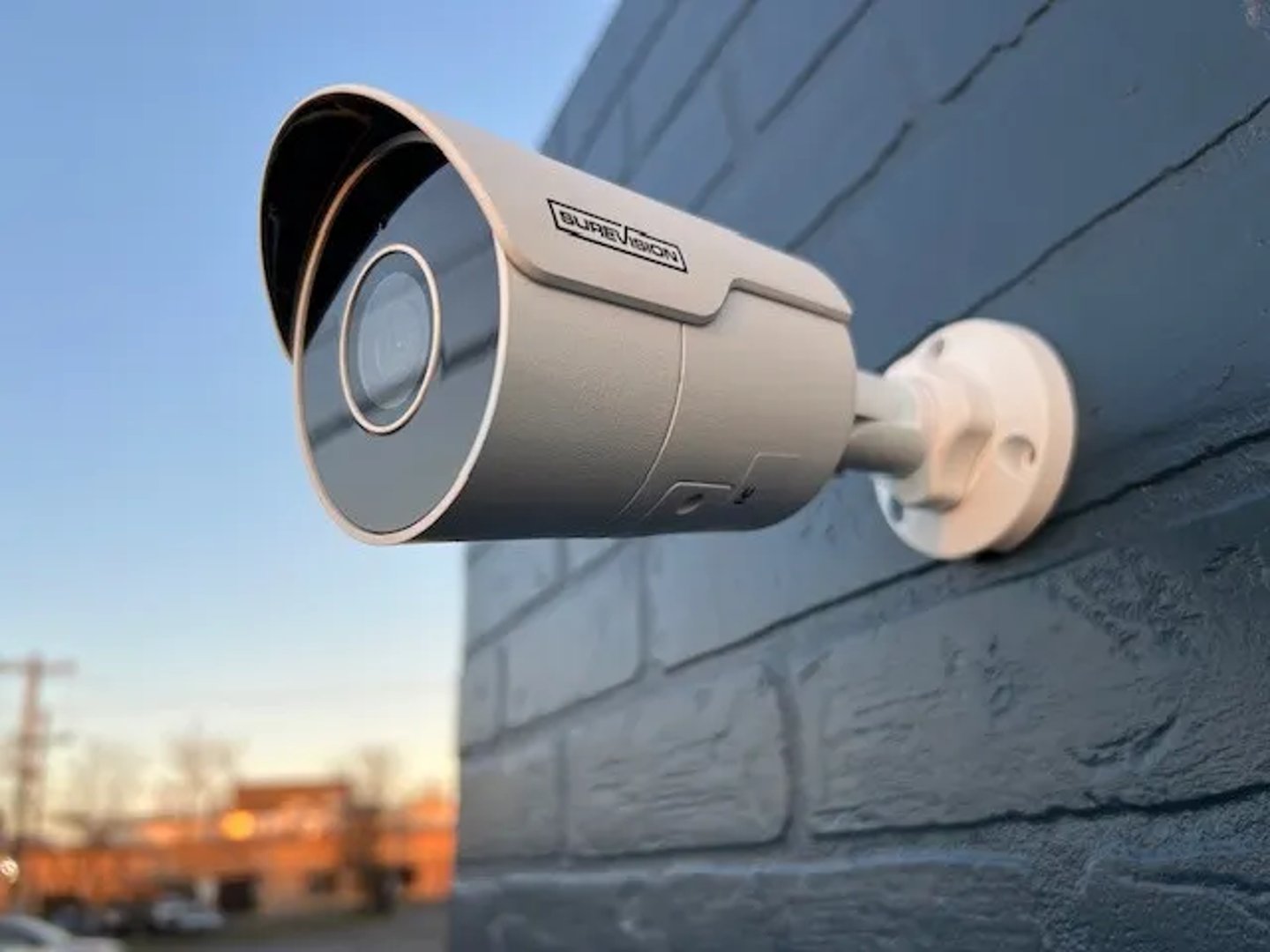
CCTV Systems
A practical UK commercial CCTV installation guide covering surveys, camera placement, recording, privacy, remote access and installer questions.
The best commercial CCTV installation is planned around the incident you need to prove, not around a camera count. Start with the risk points, then specify image quality, recording, access control, and maintenance around them.
Commercial CCTV installation is not about filling a building with as many cameras as the budget can tolerate. It is about proving what happened, where it happened, and whether anyone can use the footage when the moment comes.
That sounds obvious, but a lot of systems still miss the point. A camera can cover a hallway and still fail to show a face. A recorder can store weeks of footage and still be awkward to export. A system can look clever on a phone while missing the loading bay, the rear exit, or the gate where the problem usually starts.
If you want the short version, start with a survey, then design the system around the entrances, exits, tills, stock rooms, yards, and access points that matter most. From there, the install should be tidy, the recordings should be easy to control, and the handover should leave your team knowing exactly how to use it. FIDEC's commercial CCTV installation service follows that approach.
Most businesses should buy a professionally planned IP CCTV system with cameras positioned for evidence, secure recording, clear signage, controlled user access, and a maintenance plan. If the site is vulnerable out of hours, add monitoring or alarm links where they genuinely improve the response.
The practical rule: do not buy CCTV by camera count alone. Buy it around the incident you want to prove, the people who will use it, and the areas where a problem is most likely to happen.
2023, Home Office: 26% of all business premises in England and Wales experienced at least one covered crime in the previous 12 months. Wholesale and retail premises were higher at 41%.
2023, Home Office: public-facing premises saw more crime than closed sites, 29% compared with 20%. That is why entrances, counters, yards, and delivery points need more attention than quiet corners.
"tell people they may be recorded" GOV.UK, Using CCTV, accessed 2026.
What this means for facilities managers: CCTV is both an evidence system and a data protection system. Your specification should cover camera purpose, signage, user access, retention, remote viewing, and the way clips are exported.
The best CCTV survey begins with a simple question: what do you need the footage to show?
For some businesses, the answer is a clear view of faces at the front door. For others, it is number plates at the yard gate, activity around the loading bay, or a reliable view of the cash desk and stock room. Once that is clear, the rest of the specification becomes much easier.
The government's recommended standards page for the surveillance camera industry points installers and maintainers towards BS EN 62676-1-1 and BS EN 62676-4, with BS 8418 relevant where detector-activated CCTV is remotely monitored. In plain English, that means the system should be planned, installed, commissioned, maintained, and tested as a working service, not treated like a box of gadgets.
If your installer cannot explain how the cameras, recorder, network, storage, and handover documents fit together, the quote is not finished yet.
A commercial CCTV installation should cover more than the visible cameras. A good job should leave you with a system that works on day one and still makes sense six months later.
A system that is not commissioned properly tends to betray itself later. Someone cannot log in, a camera points at the wrong patch of wall, the recording window is too short, or nobody knows how to pull a clip off the recorder when the police ask for it.
Good CCTV coverage is usually concentrated around the points where people, vehicles, cash, stock, or access control create risk.
A camera facing a blank wall is very efficient at recording a blank wall. That sounds like a joke until you see how often it happens on rushed installs.
Image quality matters more than most buyers expect. If you need to identify a person or vehicle, the camera position, lens, mounting height, lighting, and angle often matter more than sheer resolution.
The useful way to think about CCTV is simple: detect, observe, recognise, identify. A system that only detects movement is not the same thing as a system that can help you identify someone after an incident.
Retention should be justified rather than guessed. Many businesses choose around 30 days because it gives them time to notice a problem, raise it, and preserve the relevant clip. The right period still depends on the business, the risk, and how quickly incidents are usually reported.
GOV.UK says businesses using CCTV must tell people they may be recorded, usually with clear and visible signs, control who can see the recordings, and only use the system for the purpose it was intended for. It also says people can ask to see footage of themselves and that it is usually provided within one calendar month.
CCTV is a security issue and a data protection issue.
The ICO's CCTV guidance covers installation, management, operation, public awareness, and signage. GOV.UK also says businesses that use CCTV may need to register with the ICO and pay a data protection fee unless exempt. If nobody has mentioned that during the quote process, ask the question now rather than after the cameras are live.
Cyber security matters too. NCSC guidance on smart cameras recommends changing default passwords, keeping firmware updated, and disabling remote viewing if you do not need it. Those are basic moves, but basic moves are what stop a lot of avoidable problems.
Two CCTV quotes can look similar and still be miles apart once you read the detail. The lowest number often leaves out the parts that matter later.
Ask each supplier:
| Quote detail | Weak specification | Better specification |
|---|---|---|
| Camera purpose | Lists model numbers and camera count. | States whether each camera is for detection, observation, recognition, or identification. |
| Privacy controls | Mentions remote viewing only. | Sets out signage, authorised users, export controls, and retention period. |
| Standards and testing | Assumes the equipment will work once fitted. | References BS EN 62676 planning, commissioning, maintenance, and image checks where relevant. |
If a quote reads like a shopping list of camera models, but says little about image quality, access, retention, or support, it is not really a CCTV specification yet.
CCTV becomes much more useful when it is tied to the rest of the site.
Linking cameras with an intruder alarm can help verify an activation before someone drives across town in the middle of the night. Linking cameras with access control can show who entered, when they entered, and whether a door event lines up with the footage. That kind of joined-up view is often more valuable than another camera in the wrong place.
FIDEC can design CCTV alongside commercial intruder alarms, door access control and fire and security maintenance, so the system is easier to run as a whole.
FIDEC designs, installs, maintains, and upgrades commercial CCTV systems for offices, warehouses, retail units, industrial sites, landlords, and multi-site operators. We can review an existing system, survey a new site, and tell you where the money will make the biggest difference.
View FIDEC CCTV installation services, explore the broader CCTV buying guide, or contact FIDEC Security Solutions for a free site survey. Call 0333 3662 007 or email info@fidecss.co.uk.
A good install should include a site survey, purpose-led camera placement, proper recording storage, controlled user access, signage, testing, and a handover that your team can actually use.
That depends on the risk points more than the size of the building. Entrances, exits, tills, loading bays, stock rooms, and yards usually matter more than blanket coverage.
Yes, if the system is set up for secure remote access and the network supports it. That access should be limited to authorised users only.
GOV.UK says businesses using CCTV must tell people they may be recorded, usually with visible signs, and some businesses must register with the ICO and pay the data protection fee unless exempt.
Yes. We can inspect the cameras, recorder, storage, and access setup, then advise whether repair, upgrade, or replacement is the better call.